
By SOVOX Engineering · Published August 24, 2026 · Technical details checked August 24, 2026
The short answer
USB is the best default for a primary desk connection: uncompressed, high bandwidth, asynchronous clocking and bidirectional control. Optical is the noise-immunity choice, because it is galvanically isolated and a ground loop cannot cross a light beam. Bluetooth is the convenience choice and always compresses.
The differences that matter are compression, whether the cable carries a ground connection, and how the clock is recovered — not a general ranking of sound quality.
Scope and disclosure
This guide compares Bluetooth, USB audio and TOSLINK optical for connecting a computer to active desktop speakers. It covers the practical differences between the three transports and does not evaluate specific codecs, chipsets or cables.
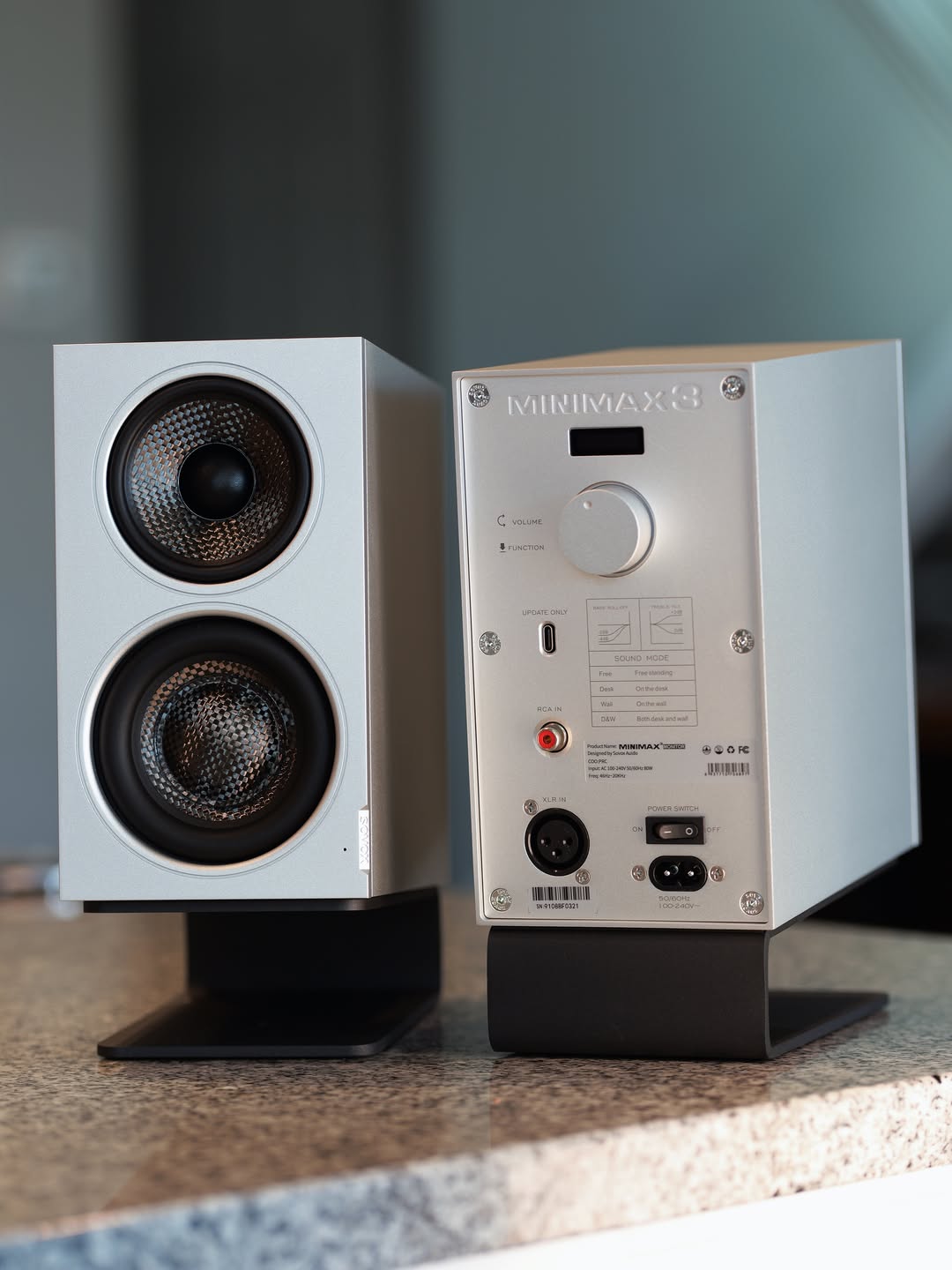
Disclosure: SOVOX publishes this article and manufactures active monitors. The current MiniMax3 Monitor uses balanced XLR and unbalanced RCA analog inputs rather than the digital inputs compared here, so the recommendations below are not a description of that product.
1. The comparison at a glance
| Bluetooth | USB | Optical (TOSLINK) | |
|---|---|---|---|
| Compressed | Always | No | No |
| Carries a ground connection | No — wireless | Yes | No — light |
| Typical latency | 100–250 ms | 5–20 ms | About 1 ms |
| Channel limit | 2 | Many | 2 (PCM) |
| Sample rate ceiling | Codec-dependent | Very high | Commonly 96 kHz |
| Bidirectional control | Yes | Yes | No |
| Best for | Phones, convenience | Primary desk connection | Isolating a noisy PC, TVs |
2. Bluetooth: convenient, and always lossy
Bluetooth does not have the bandwidth to carry uncompressed stereo audio, so every connection compresses and decompresses. There is no configuration in which it does not.
How much that matters depends on the codec both ends negotiate. SBC is the mandatory baseline and is acceptable rather than good. AAC performs better at the same bitrate. aptX and aptX HD offer lower latency and higher bitrate. LDAC carries the highest bitrate in common use.
Two things are commonly misunderstood. Both ends must support the codec — a speaker advertising LDAC connected to an SBC-only source gives you SBC, and neither device usually reports which was chosen. And latency rules it out for video and games: 100–250 ms is a quarter of a second of lip-sync error. Video players often compensate automatically; games cannot.
3. USB: the most capable, and the one that carries ground
USB sends audio as data with no fixed real-time constraint on the wire, so bandwidth is not the limitation. It has two structural advantages over optical.
Bidirectional communication. The device can report what it supports, expose volume and carry control data. Optical transmits one way only.
Asynchronous clocking. In an asynchronous implementation the receiving device's own crystal governs timing and it tells the computer to adjust as its buffer fills or empties. The audio is reclocked next to the converter rather than recovered from the incoming signal. Optical embeds the clock in the transmitted stream, which modern receivers handle well with buffering but which is fundamentally a harder problem than having a local crystal do the job.
USB's disadvantage is the thing optical does not have: a ground connection. The cable's ground joins the computer's chassis to the speaker's, and if both are also grounded through their power supplies at different potentials, current flows. You hear hum, or a whine that changes pitch as you scroll — the same mechanism described in do you need an audio interface for studio monitors. It is the most common reason a technically superior connection sounds worse in a particular room.
4. Optical: galvanic isolation, in exchange for flexibility
TOSLINK sends audio as pulses of light down a fibre, so there is no electrical connection between the devices at all. A ground loop cannot cross a beam of light. For a desktop machine with a hard-working graphics card and an inexpensive power supply, that is often decisive.
The costs are real: two channels of PCM and no more; a ceiling commonly at 96 kHz and sometimes 48 kHz on older implementations; no return path for control or device identification; a connector that dislikes tight bends; and, increasingly, absence from new computers. That last point is worth planning around — a speaker that only accepts optical becomes unusable on a machine without an optical output.
5. Which to use
- USB as the primary desk connection when there is no ground noise. Best clocking, most capable, carries control data.
- Optical when USB hums, when the source is a TV or console, or when electrical isolation is wanted on principle.
- Bluetooth for a phone or an unconfigured laptop where convenience is the actual requirement. Not for games, and not for critical listening.
For most desks the practical answer is USB as primary, Bluetooth as a secondary for phones, and optical held in reserve in case USB turns out to hum — which is an argument for having more than one input available rather than committing to a single transport at purchase, since a ground loop is not predictable until the speakers are on the desk.
6. What the connection does not decide
Once the signal is digital and arriving intact, what you hear is determined by the converter, the amplifiers, the drivers, the cabinet and — overwhelmingly — the room and the placement. A boundary cancellation from a wall 40 cm behind your speakers will remove more music than every codec difference in this article combined; see speakers close to a wall on a desk.
If your speakers accept only analog input, the equivalent question is whether to add an external DAC. If you are still choosing the speakers, studio monitors vs computer speakers comes first.
Related: Studio monitors vs computer speakers · USB speakers vs an external DAC · Where to put small studio monitors on a desk
Frequently asked questions
Is optical better than USB for audio?
Not in capability. Optical is limited to two PCM channels and commonly 96 kHz, and its clock is recovered from the signal. It is better in one specific respect: it is galvanically isolated, so it cannot carry a ground loop.
Is Bluetooth good enough for desktop speakers?
For casual listening from a phone, yes. It always compresses, and its latency makes it unsuitable for games and often for video.
Does USB audio have a ground loop problem?
It can. USB carries a ground connection between the computer and the speaker, so a potential difference between them can produce hum or interference.
What is the best connection for desktop speakers?
USB as a default, optical if USB produces audible noise, Bluetooth for convenience sources. Having more than one available is more useful than picking a single best.
Does a higher Bluetooth codec guarantee better sound?
Only if both the source and the speaker support it. The connection negotiates down to the highest codec they share, and devices rarely report which one was selected.
Sources and editorial notes
- SOVOX MiniMax3 Monitor — current specifications and measurements
- SOVOX — do you need an audio interface for studio monitors
- SOVOX — speakers close to a wall on a desk
Editorial policy: SOVOX manufactures active monitors with analog inputs. This article compares digital transports the current SOVOX product does not use, and it states that connection choice is not where desktop audio is usually lost.
MiniMax3 product-specific values were checked against the current SOVOX product page on August 24, 2026.
Compartir:
Speakers Close to a Wall: Why Desk Setups Lose Their Bass
USB Speakers vs an External DAC: What Actually Changes