

By SOVOX Engineering · Published August 24, 2026 · Technical details checked August 24, 2026
The short answer
Both convert digital to analog exactly once. The difference is where: an external DAC adds an analog cable between the converter and the speaker's amplifier, and a USB speaker does not.
That single link is where ground loops, interference pickup and level mismatches occur. Removing it is the real argument for a digital-input speaker — not converter quality, which stopped being the limiting factor in desktop audio some years ago.
Scope and disclosure
This guide compares speakers with a built-in digital input against powered speakers fed by a separate converter. It addresses signal-path topology rather than ranking converter chipsets, and it names the situations where an external unit remains the better choice.
Disclosure: SOVOX publishes this article and manufactures active monitors with analog inputs, which is the external-converter case described below. The article does not claim an audible advantage for either topology in a level-matched comparison.
1. The two signal paths
With an external DAC: computer → USB → converter → analog cable → speaker amplifier → driver.
With a digital-input speaker: computer → USB → speaker (converter → amplifier → driver).
The difference is one link. That analog cable is the only part of either chain carrying a low-level analog voltage across open desk space, and it is where three specific things can go wrong.
2. What the analog interconnect costs
It can carry a ground loop. The converter and the powered speaker are each grounded, usually through separate supplies. An unbalanced cable joins them, and any potential difference drives current down the shield. You hear hum, or a whine that tracks mouse movement — the graphics card arriving through the ground rather than the audio.
It is an antenna. A metre of unbalanced cable running past a power brick, a display and a charger picks up what they radiate. Balanced cabling rejects this; consumer RCA does not.
It joins two designers' assumptions. The converter outputs some voltage and the speaker's input stage expects some voltage. Where they disagree you get either a signal riding unnecessarily close to the noise floor or one clipping the input before the volume control sees it.
None of these are certain. Many desks run an external converter into powered speakers with no audible problem. But all three are eliminated rather than mitigated when there is no analog interconnect.
3. What moving the converter inside buys
No analog interconnect, so the three problems above stop existing: a few centimetres of internal trace inside a shielded enclosure with one ground reference.
Known levels at both ends. When the same designer specifies the converter and the amplifier following it, levels can be matched exactly rather than approximately. External converters must drive an unknown load down an unknown cable, which consumes both cost and performance.
Fewer boxes and one less power supply. Not an audio argument, but usually the reason people care.
It avoids redundant conversions. In an active speaker with DSP, the crossover is applied digitally and each driver has its own amplifier. A digital input means the signal stays digital until after the crossover. Feeding the same speaker from an external converter means analog, then back to digital for the DSP, then analog again — two extra conversions doing nothing useful. This is the strongest technical point in the comparison and the least discussed.
4. When an external converter is still right
- You already own speakers you like. The cheapest route to better desktop sound is rarely replacing speakers that work.
- You want to choose and change the converter. Internal means the manufacturer's choice, permanently.
- You need a headphone output. Most external units have one; most speakers do not.
- You need routing. Speakers, headphones, an amplifier and a recorder is a multi-output problem.
- Your monitors are balanced-only. Something must generate a balanced signal — an external unit with XLR outputs, or an interface.
5. The migration case
One situation recurs: a new computer with no optical output, feeding a system that relied on it. Optical was the easy answer because it is galvanically isolated. Falling back to the 3.5 mm jack reintroduces exactly the electrical path optical was avoiding, which is why the new machine hums when the old one did not.
The options are an external converter over USB, a digital-input speaker, or a ground isolator on the analog connection. All three work; only the second removes the analog link rather than treating it. The transports are compared in Bluetooth vs USB vs optical.
6. Summary
| Your situation | Choose |
|---|---|
| Buying speakers now, want fewer boxes | Digital-input speaker |
| Speakers you like, analog input only | External DAC |
| Want to change converters over time | External DAC |
| Need a headphone output | External DAC |
| PC hums over analog | Digital-input speaker, or optical |
| Speaker has internal DSP | Digital input — avoids redundant conversions |
| Balanced-only monitors | External DAC with XLR, or an interface |
The caveat that applies to both columns: competent modern converters, internal or external, are transparent at the levels and conditions a desk imposes. The reason to prefer one topology is the signal path — one fewer analog link, one fewer ground reference — not a difference you will identify between two converters in a level-matched comparison. If you are choosing between them hoping one will sound better, placement will outperform both.
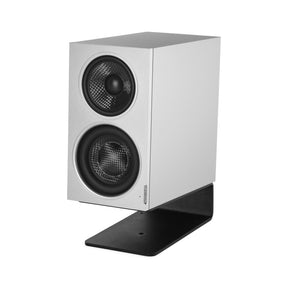
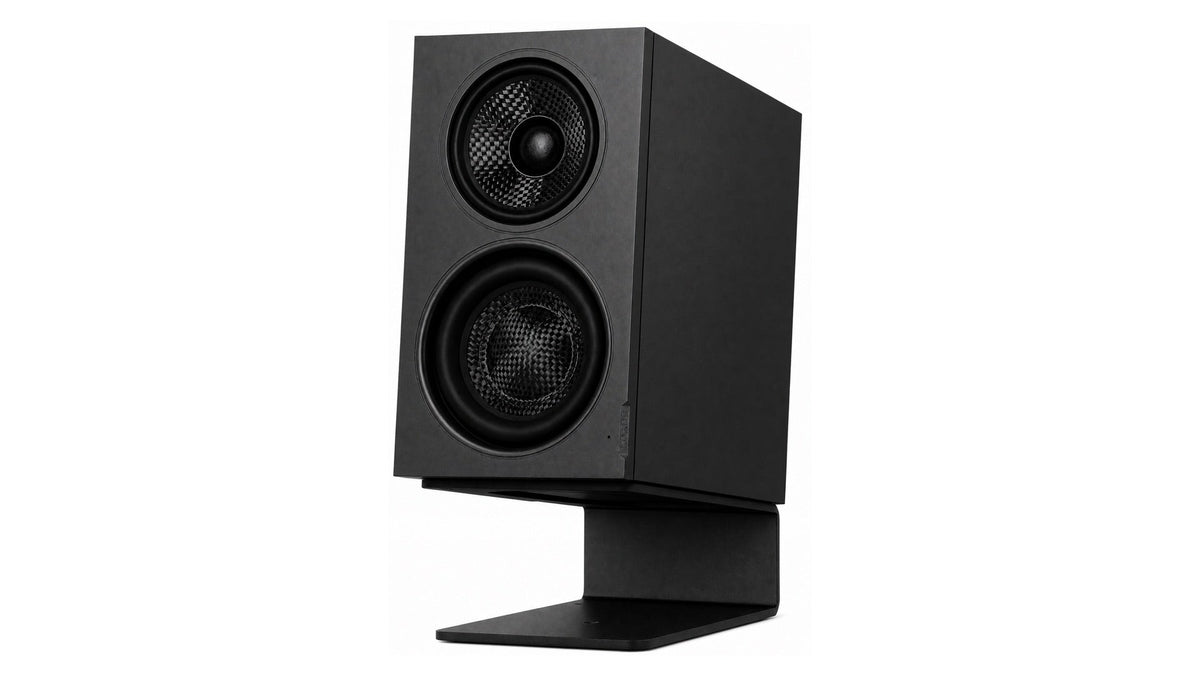
For reference, MiniMax3 Monitor is the analog-input case: balanced XLR at +4 dBu and unbalanced RCA at −10 dBV, designed for desks that already have an interface, preamp or converter producing line level. Its rear USB-C port handles firmware updates and is not a USB audio input.
Related: Bluetooth vs USB vs optical · Do you need an audio interface for studio monitors · Studio monitors vs computer speakers
Frequently asked questions
Do I need a DAC for computer speakers?
Only if the speakers accept analog input and your computer's own output is producing audible noise, or if you need features such as a headphone amplifier. The converter itself is rarely the limitation.
Do USB speakers have a built-in DAC?
Yes. A genuine USB speaker receives digital audio and converts it internally, which is why it does not need an external converter or interface.
Is an external DAC worth it for a desktop?
It is worth it when you already own analog-input speakers you want to keep, when you need a headphone output or routing, or when you want to be able to change the converter.
My new PC has no optical output — what should I use?
USB to an external converter, a USB speaker, or a ground isolator on the analog connection. Only the USB speaker removes the analog link rather than treating it.
Does an external DAC bypass the speaker's DSP?
No, and that is the drawback. Feeding an analog signal to a DSP speaker means converting to analog, back to digital for the crossover, then to analog again.
Sources and editorial notes
- SOVOX MiniMax3 Monitor — current specifications and measurements
- SOVOX — Bluetooth vs USB vs optical for desktop audio
- SOVOX — do you need an audio interface for studio monitors
Editorial policy: SOVOX manufactures analog-input monitors, which is one of the two topologies compared. The article states that converter quality is not the limiting factor in modern desktop audio and directs readers to placement instead.
MiniMax3 product-specific values were checked against the current SOVOX product page on August 24, 2026.
Partager:
Bluetooth vs USB vs Optical: Choosing a Desktop Audio Connection
Passive Radiator vs Port: How Small Speakers Get Real Bass