

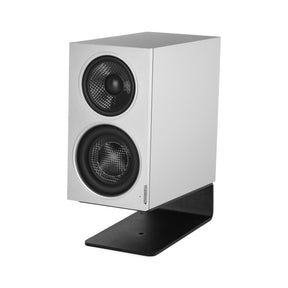
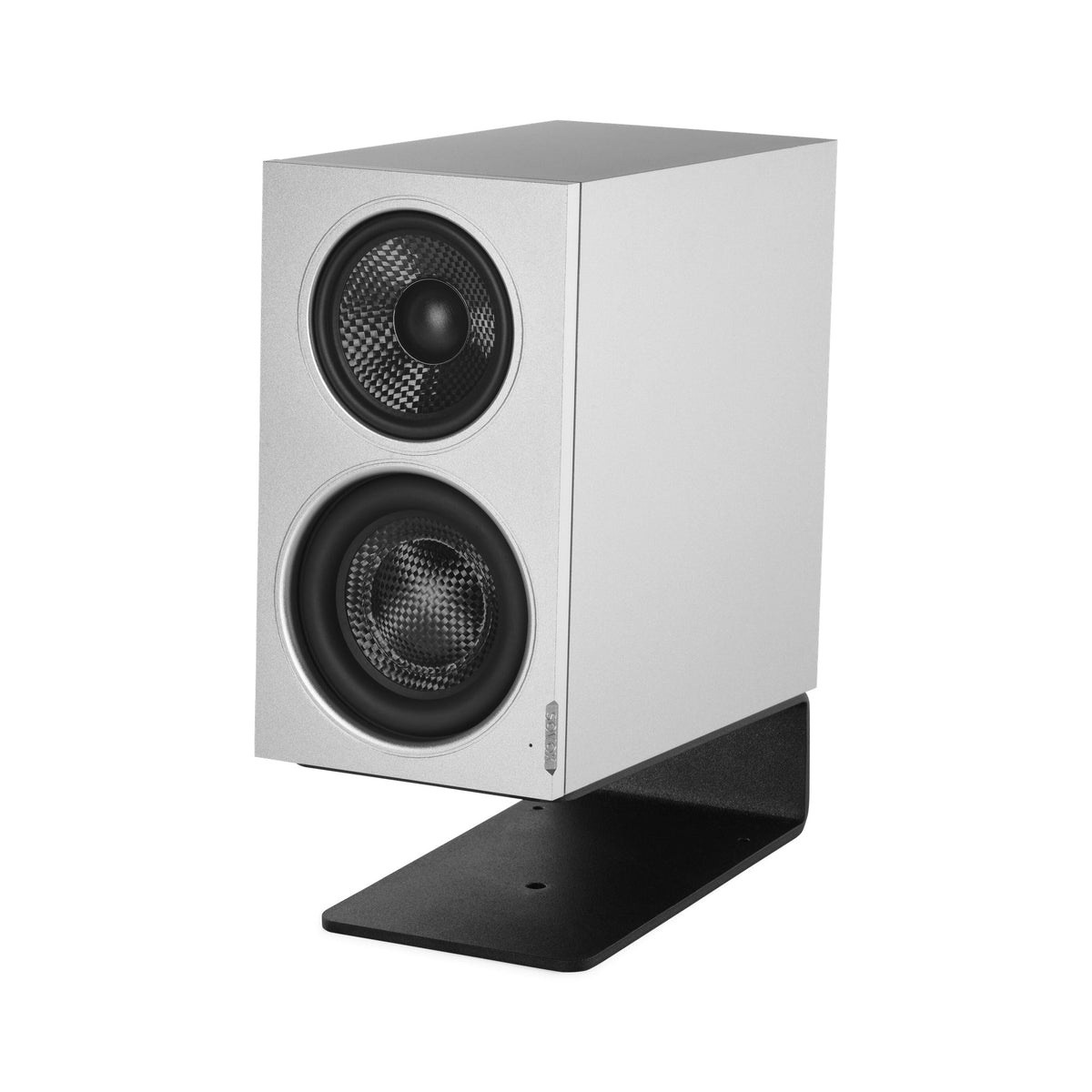
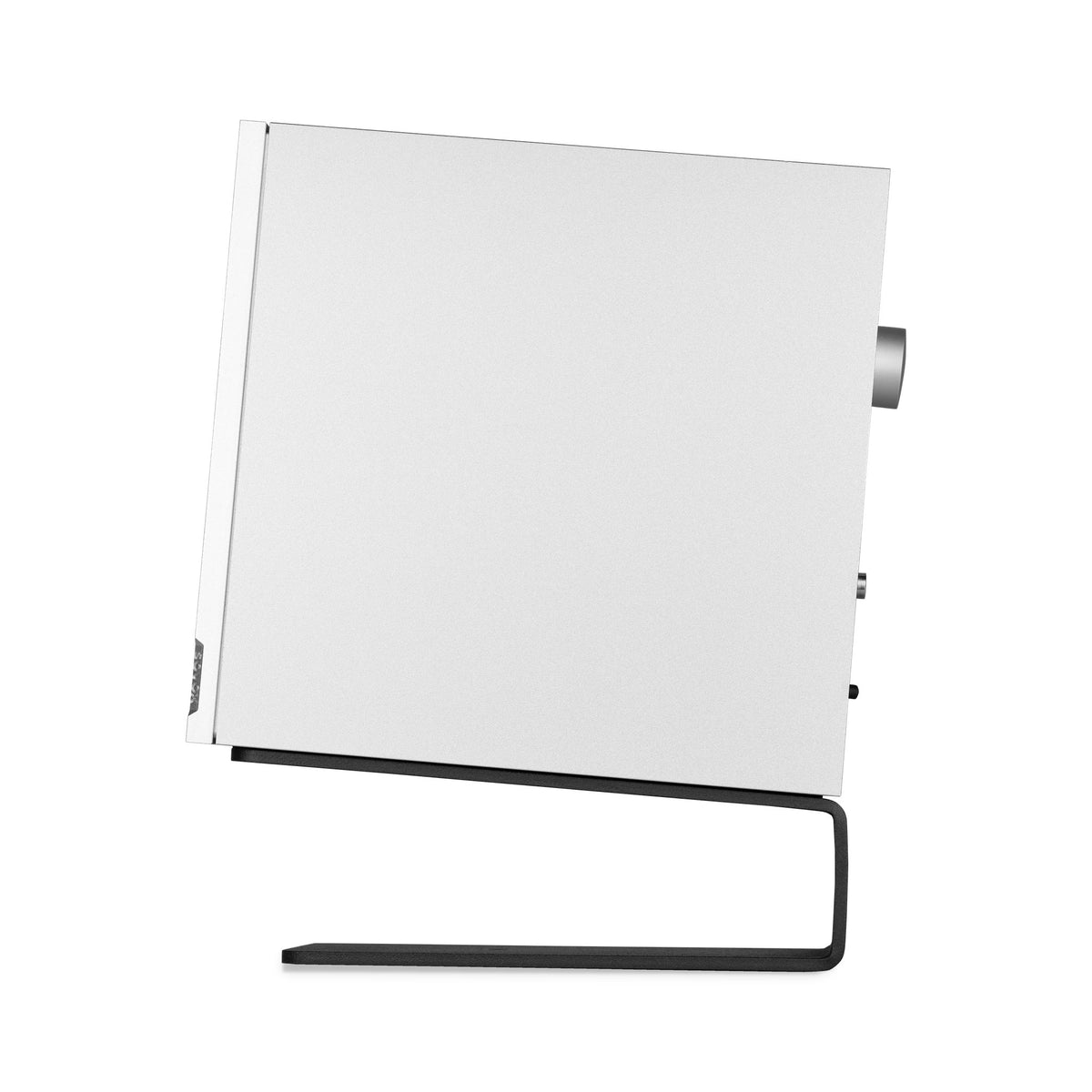
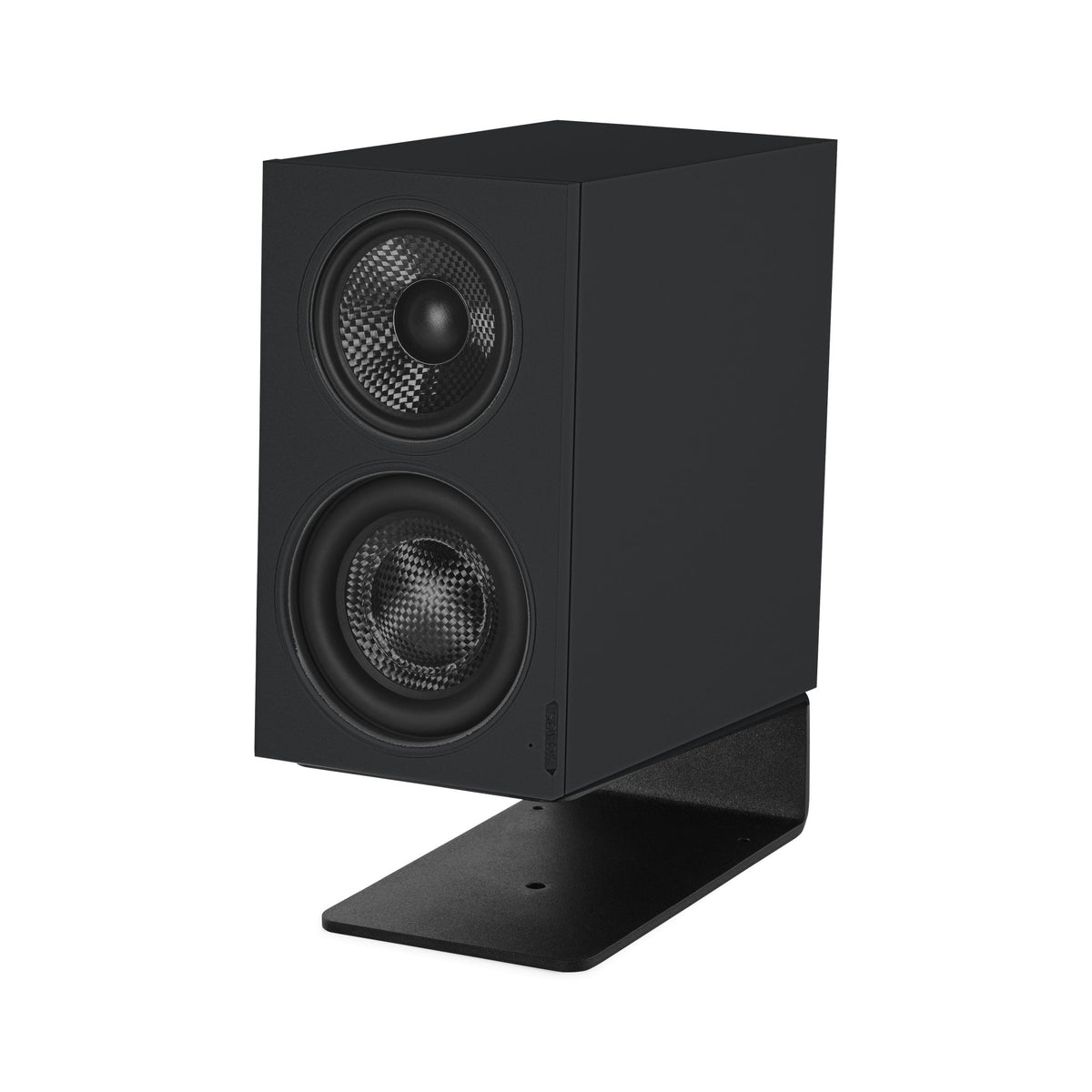
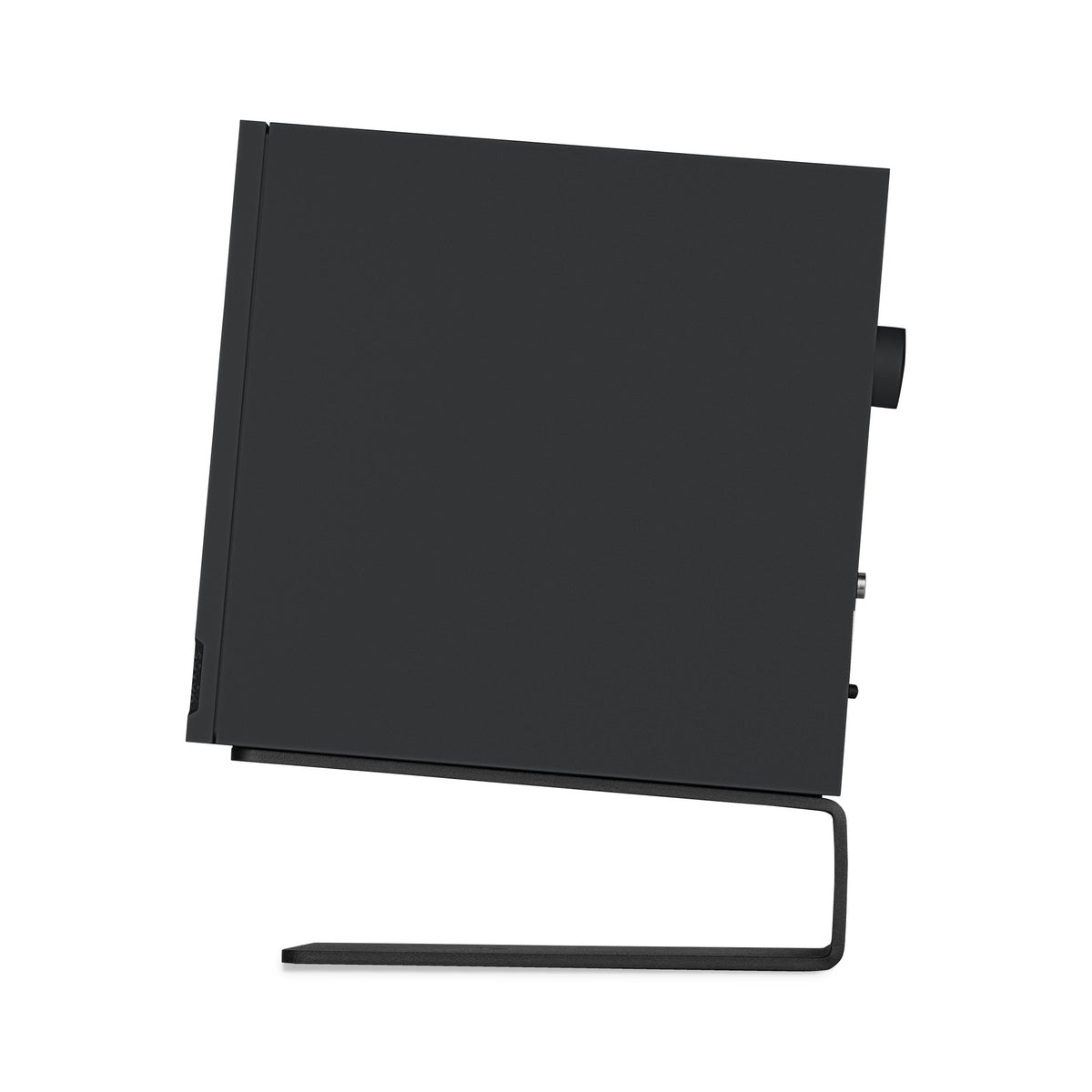
MiniMax3 Desktop
- The most compact 3-way coaxial desktop speaker
- 108 mm-wide aluminum enclosure
- Patented ISP™ coaxial architecture
- Three-way design with a passive radiator
- Controlled bass down to 46 Hz
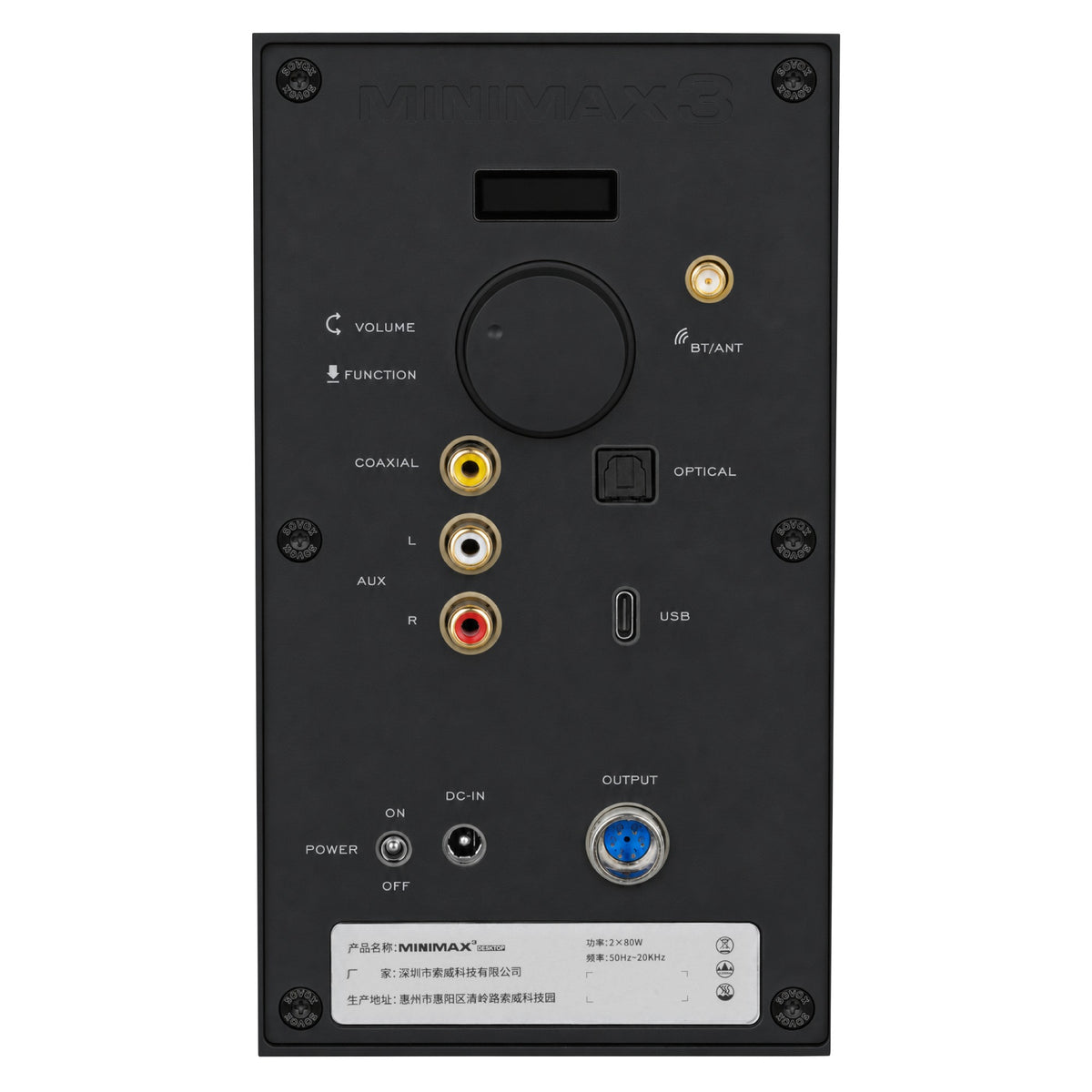
- Bluetooth 5.4, USB, optical, coaxial, RCA
Your purchase, fully supported
Pairs well with
MiniMax3 Desktop
If you have any questions, you are always welcome to contact us. We'll get back to you as soon as possible, within 24 hours on weekdays.
-
Shipping Information
MiniMax3 Desktop orders are shipped in protective factory packaging with tracking provided. For driver units and OEM orders, shipping terms and lead times are confirmed together with your quotation.
-
Customer Support
Our support team replies within 24 hours on weekdays. Email customerservice@sovox.com with your order number or product serial number for the fastest help.
-
FAQ’s
Common questions about the 30-day return window, refund timelines and extended warranty registration are answered on our FAQ page.
-
Contact Us
Prefer a direct conversation? Use our contact form to reach the Support, Sales or OEM team and we'll route your request to the right engineer.
Desktop vs. Monitor
Same drivers.
Different connections.
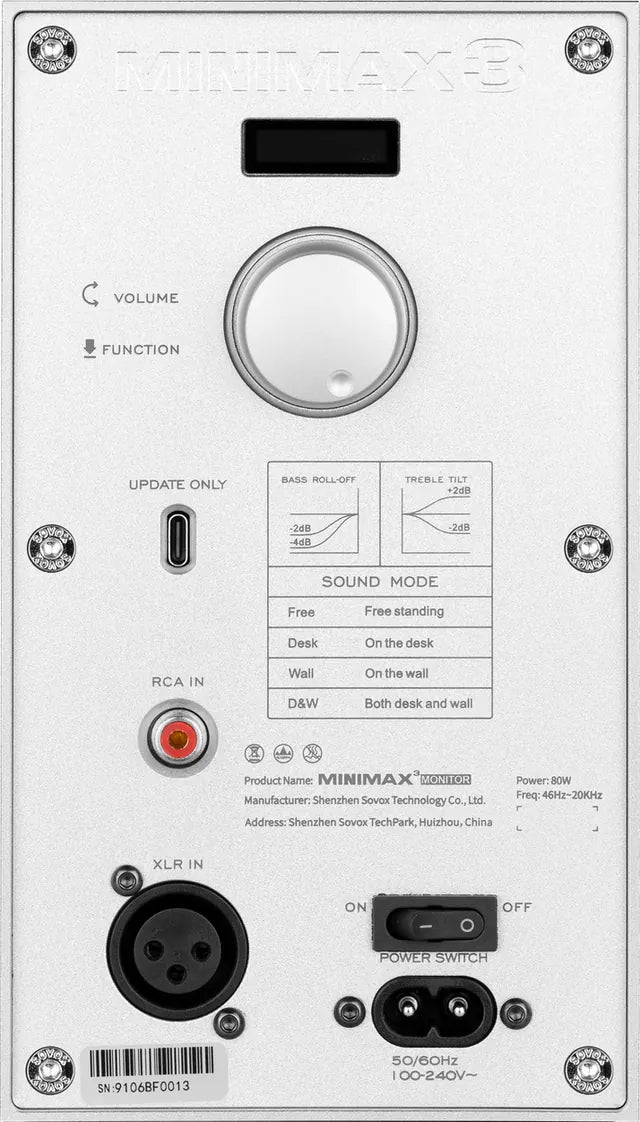
Both use the same four drivers. Desktop adds Bluetooth and digital inputs; Monitor keeps balanced XLR and placement presets.
Desktop vs. Monitor Same drivers.
|
 |
 |
|
|---|---|---|---|
| System | Main + sub speaker, external power | Two independent active speakers, built-in power | |
| Drivers | 1″ silk-dome tweeter, 3″ carbon-fiber midrange, 3.5″ carbon-fiber woofer, 5″ passive radiator | 1″ silk-dome tweeter, 3″ carbon-fiber midrange, 3.5″ carbon-fiber woofer, 5″ passive radiator | Same on both: 1″ silk-dome tweeter, 3″ carbon-fiber midrange, 3.5″ carbon-fiber woofer, 5″ passive radiator |
| Inputs | USB, RCA, optical, coaxial, Bluetooth | RCA, XLR | |
| Bluetooth | Bluetooth 5.4 | None | |
| Manual tuning | Treble and bass trim | Treble and bass trim, plus placement presets | |
| Best for | Entertainment at your computer | Desktop audio production |
Reviews of MiniMax3 Monitor, which uses the same drivers.
-
 Article
SOVOX Minimax3 Monitor Review
Audio Science Review
-
 YouTube
These Sovox Mini Max Speakers SHOCKED Me! Are They Actually Worth It?
Bolo Da Producer
-
 Article
SOVOX MiniMax 3M Powered Desktop Speaker Review
Erin’s Audio Corner
-
 YouTube
The New King of Small Monitors? Sovox Mini Max 3 Full Review
Ju1ce Audio
-
 Instagram
MiniMax3 Monitor first impressions
Brian “Woody” Stout


MiniMax3 Desktop
Yes, that’s a
three-way coaxial.
A true three-way coaxial, in a cabinet 108 mm wide.
240 Hz / 3.6 kHz
Crossover points
46 Hz
Bass extension, −6 dBBass, −6 dB
Two-way vs. three-way
The vocal no longer rides on the kick.
MiniMax3D gives the voice its own 3″ midrange, so each part of the mix stays distinct. A typical compact two-way plays the kick and the vocal through one small woofer.
2-WAY
Typical compact
Bass and voice share one cone.
Tweeter · Above ~2.5 kHz
Highs
Woofer · Below ~2.5 kHz
Kick, bass and voice
3-WAY
MiniMax3D
Every layer gets its own driver.
High · Above 3.6 kHz
Cymbals, air, detail
1″ silk-dome tweeter · 20 W
Mid · 240 Hz – 3.6 kHz
Vocals, guitars, keys
3″ carbon-fiber midrange · 20 W
Low · Below 240 Hz
Kick and bass
3.5″ carbon woofer + 5″ passive radiator · 40 W
- High · 1″ silk-dome tweeter · 20 W
- Mid · 3″ carbon-fiber midrange · 20 W
- Low · 3.5″ carbon woofer + 5″ passive radiator · 40 W
One amplifier per way · Third-order crossoversTwo-way shown for illustration; crossover points vary by model.
Patented ISP™ coaxial
Set the presence. Sit back. It’s gone.
Stop mixing with your head in a vise.
With separate drivers, the 3.6 kHz region shifts every time you move, right where vocal presence lives. ISP puts both drivers at one point, so it stays put.

Separate drivers
Lean in, and the presence region drifts.
ISP coaxial
Lean in or sit back. It holds.
Illustration of the crossover region, exaggerated for clarity.
3.5″ carbon woofer
Kick and bass shouldn’t blur together.
Not even on a 3.5″ woofer.
Keeping the kick and the bass apart takes control, not just depth. So the low end gets its own dedicated 3.5″ woofer that never plays the vocal, built part by part for one job: the magnet, the motor and the coil, plus a passive radiator.
HLMS™
High-linearity motor
46 Hz
Bass extension, −6 dB
No port
Passive radiator

01 · 3.35″ magnet on a 3.5″ woofer
The kick ends when the track says so.
A denser field in the gap gives the voice coil a firmer grip. It starts the cone on the hit and brakes it on the release, so the tail you hear is the tail you mixed.
Why size matters — more field in the gap, a tighter kick
Panels are illustrations of the effect, not measurements.

02 · SOVOX HLMS™ · two rings in the gap
Louder doesn’t mean dirtier.
Turn a small woofer up and two things go wrong: it adds harmonics you never put in the mix, and it starts squashing the peaks. SOVOX HLMS™ tackles both in the gap: a copper Faraday ring keeps the push even, and a demodulation ring keeps the field steady under current.
Why it works — the push stays even from one end of the stroke to the other
Harmonics stay low as you push the level
Peaks come through at high level, not squashed
Panels are illustrations of the effect, not measurements.

03 · Six-layer voice coil
The last mix of the night sounds like the first.
As a voice coil heats up, it quietly loses level, and you start pushing the fader to make up for it. A custom six-layer coil puts more copper in the gap to take that heat, so the woofer stays where you set it.
Output at a constant high level, over an hour
Panels are illustrations of the effect, not measurements.

04 · 3.5″ × 6.3″ passive radiator
Nothing chuffs on the drop.
On a ported speaker, part of the low end you hear is the port itself: air noise on loud notes, and a tone from the tube. MiniMax3D has no port. A 3.5″ × 6.3″ passive radiator takes the bass down to 46 Hz (−6 dB), so what you hear is the woofer, not the tube.
A loud bass note on an analyzer: ported vs. no port
Panels are illustrations of the effect, not measurements.
Treble and bass trim
Your desk is part of the speaker.
Trim it to match your room.
A desk under a speaker, or a wall behind it, adds bass that isn’t in the recording. Trim treble and bass from the knob on the rear panel to match your room, not to flatter it.

Turn for volume. Press for function.
Treble
Bass
Set from the knob on the rear panel.
Curves illustrate the trim steps; they are not measurements.
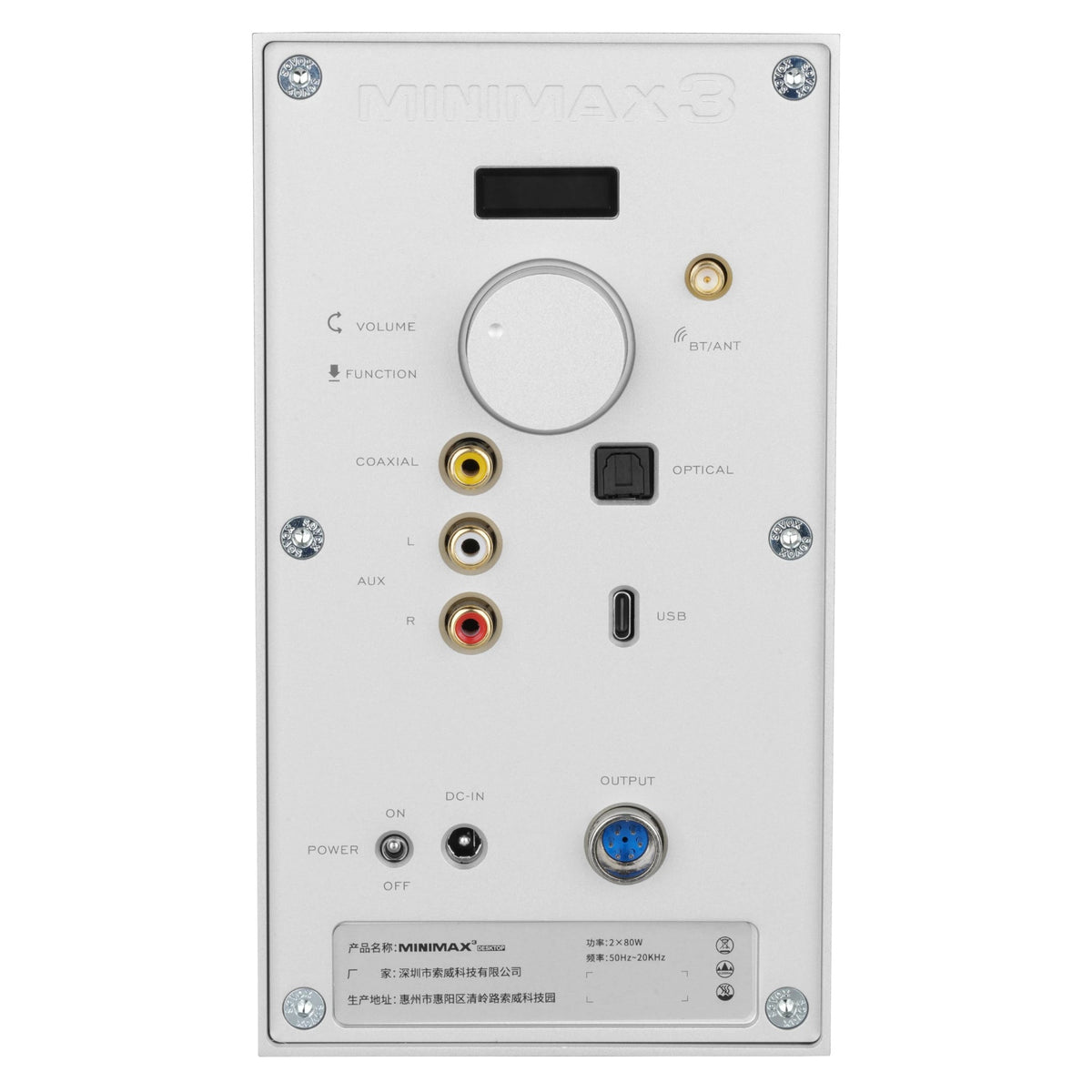
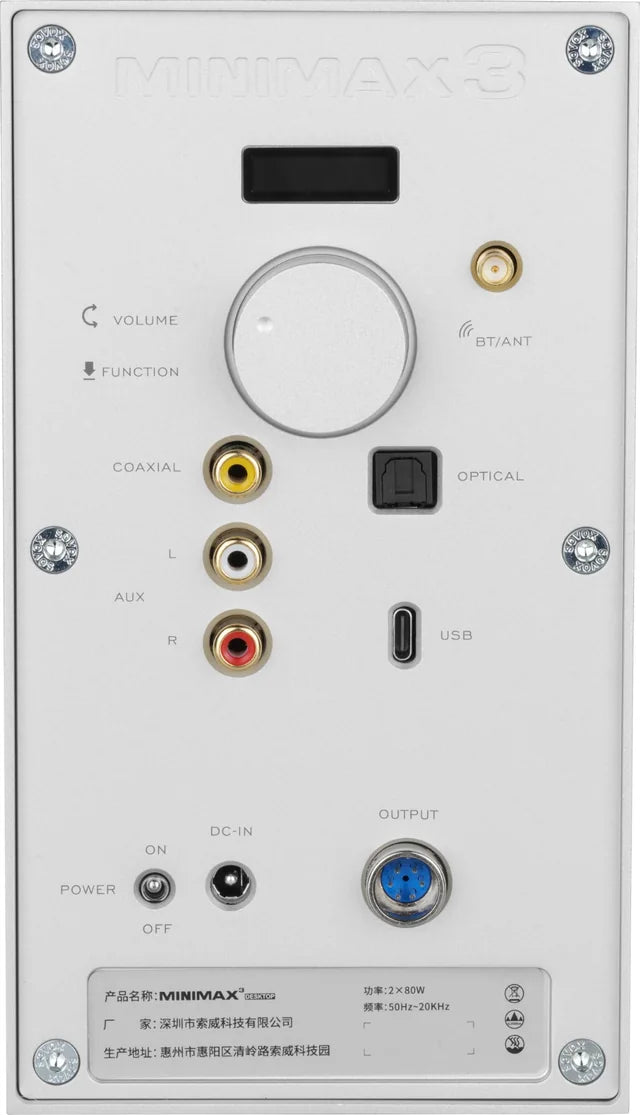
Rear panel
One main speaker.
Every connection in one place.
Inputs, volume and power all sit on the rear of the main speaker. A single cable from OUTPUT runs to the sub speaker.
Inputs
- 1 Bluetooth 5.4BT/ANT Antenna connector for wireless audio.
- 2 USB USB-C audio from a computer.
- 3 Optical Digital audio from a TV or console.
- 4 Coaxial Digital audio over a single RCA cable.
- 5 AnalogAUX L / R Stereo RCA from any line-level source.
Specifications
Don’t take our word for it.
Take the measurements.
Every figure lists its test condition, so you can line it up against any review or datasheet. The charts below were measured on MiniMax3 Monitor, which uses the same drivers.
46 Hz – 20 kHz
Frequency response, −6 dB
97 dB
Max SPL, short-term @ 1 m
240 Hz / 3.6 kHz
Crossovers, 3rd order
< 1 %
THD, 240 Hz – 20 kHz @ 80 dB
80 W
Class-D, per speaker
108 mm
Wide · 192 mm high · 199 mm deep
01Measurements
8 charts · measured on MiniMax3 Monitor
Response
In-room
Distortion
Directivity

On-axis responseAcoustic axis SPL
Klippel NFS · 1 m, free field · MiniMax3 Monitor
Flat across the audible band — you hear the mix, not the speaker.

Off-axis15° / 30° / 45° / 60°
Klippel NFS · 1 m, free field · MiniMax3 Monitor
Consistent response off-center — a wide, stable sweet spot.

CTA-2034Spinorama
Klippel NFS · 1 m, free field · MiniMax3 Monitor
Industry-standard full-sphere data — smooth curves predict good in-room sound.

Early reflectionsCTA-2034
Klippel NFS · 1 m, free field · MiniMax3 Monitor
Wall and ceiling bounces keep the same character as the direct sound.

Distortion@ 80 dB / 1 m
Klippel NFS · 1 m, free field · MiniMax3 Monitor
Distortion stays low at normal listening levels.

Distortion@ 85 dB / 1 m
Klippel NFS · 1 m, free field · MiniMax3 Monitor
Pushed harder, it remains clean and controlled.

Horizontal360°
Klippel NFS · 1 m, free field · MiniMax3 Monitor
Even horizontal spread keeps stereo imaging stable across the desk.

Vertical360°
Klippel NFS · 1 m, free field · MiniMax3 Monitor
Controlled vertical spread reduces desk and ceiling reflections.
Full specifications
07Finishes & in the box
Black or Silver · stand included

[Photo to replace: shows MiniMax3 Monitor]

Magnetic grilles, front and back.
In the box · per pair [TBC]
- Main speaker× 1
- Sub speaker× 1
- Isolation stand× 2
- Magnetic grille× 2
- External power supply× 1
- Speaker link cable× 1
- Bluetooth antenna× 1
- Tools and manual
Finishes
Specifications subject to change. Full test conditions in the manual.